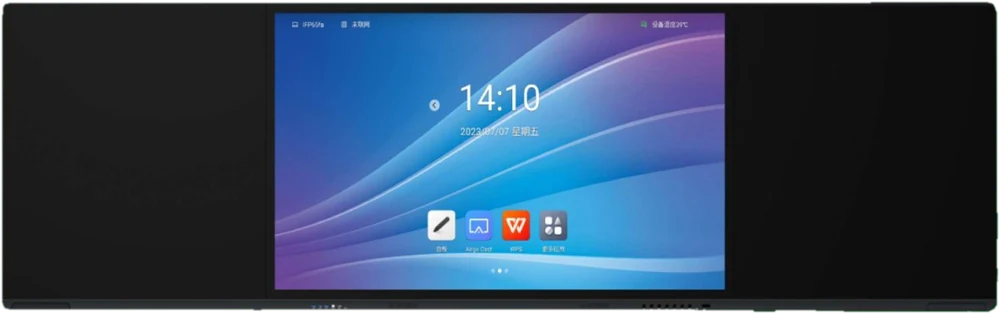
Projectors have served schools well, but they do one job: they display what a laptop sends them. An interactive board is a screen, a computer and a writing surface in one. That difference shows up every day, not only in a sales brochure.
Setup and daily routine
With a projector, a lesson often starts with a laptop, cables, a screen and a dimmed room. Each part is something that can fail before the first slide appears. An all-in-one board switches on and is ready, with the teaching tools built in.
Interaction
On an interactive board the teacher writes over any content, moves objects with a finger and lets students come up and try. Notes can be kept and reused. A projected image cannot respond; any change has to be made at the laptop.
Visibility
Flat panel screens are generally clearer in a bright classroom than a projected image, so lessons do not depend on closing curtains. There is also no shadow when the teacher stands at the board.
Where a projector still makes sense
Very large halls are a case where a projector can still be the practical choice. Schools that want to keep a marker-and-board feel can also look at a Nano Board, which pairs a writing surface with a digital display.
The best approach is to match the tool to the room. If you are unsure, tell us about your space and we will recommend a setup.